
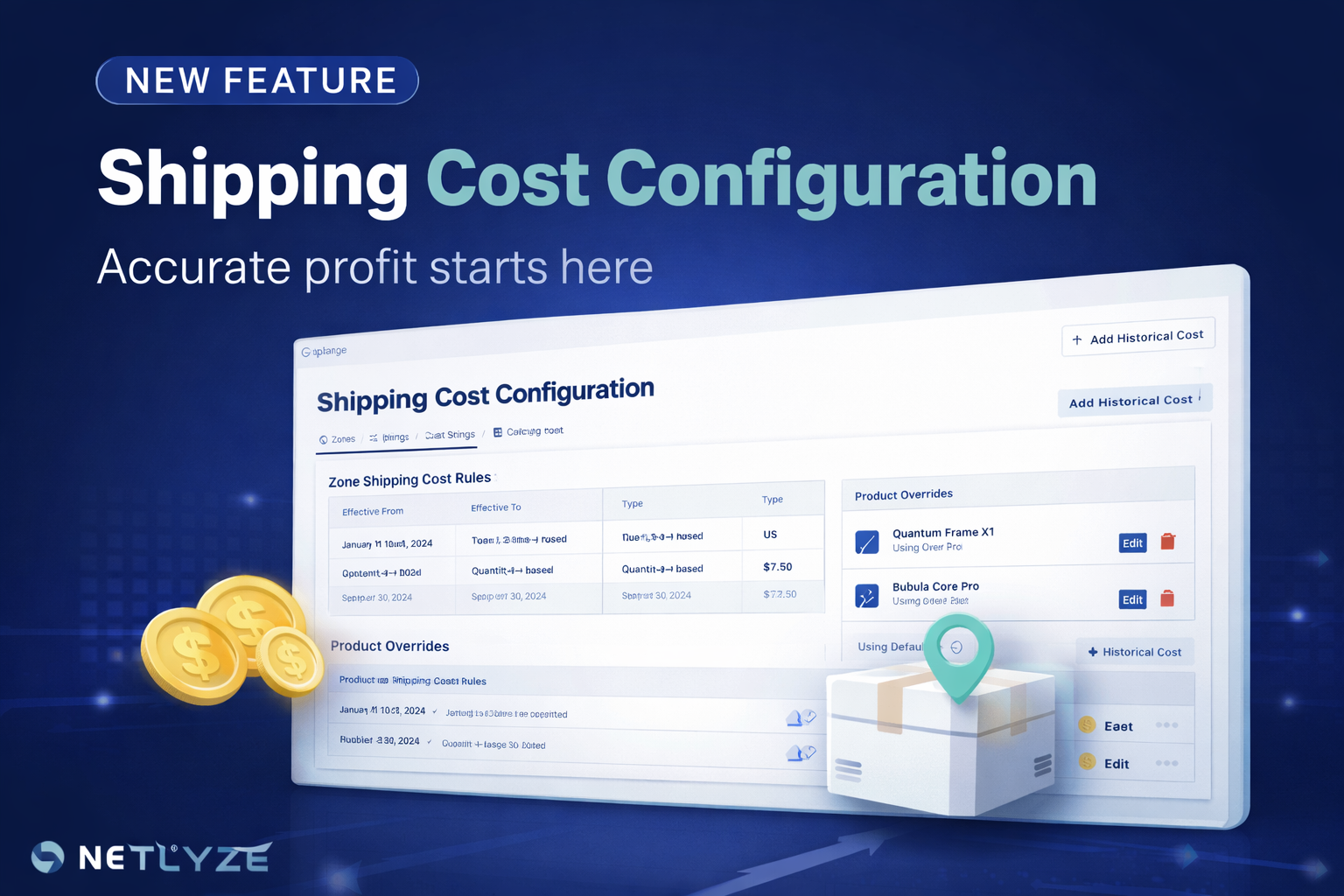
We’ve just released a major update to Netlyze: Shipping Cost Configuration.
This feature helps you finally answer a critical question:
“What did it actually cost to ship each order?”
Why We Built This
Most Shopify reports focus on revenue — not profit.
And even when costs are included, shipping is often:
- Estimated incorrectly
- Treated as a fixed number
- Missing entirely
This leads to one big problem:
Your profit numbers are unreliable.
Shipping cost is one of the most inconsistent and impactful variables in ecommerce. Without handling it properly, every report becomes questionable.
What You Can Do With Shipping Cost Configuration
1. Define Shipping Cost by Zone
Group countries into zones (e.g. US, Europe, Asia) and assign different cost logic to each.
This ensures your shipping cost reflects real-world logistics differences.
2. Set Cost Rules Based on Quantity or Weight
Choose how shipping is calculated:
- Quantity-based – simple and fast
- Weight-based – more accurate for complex products
You can define tiered pricing for each case.
3. Override Cost for Specific Products
Not all products behave the same.
With product-level overrides, you can assign custom shipping cost logic where needed — without affecting the rest of your catalog.
4. Handle Multi-Item Orders Properly
Choose how shipping is calculated when customers buy multiple products:
- Sum all line items
- Use the highest cost
This gives you flexibility depending on how your logistics actually works.
The Most Important Part: Profit Accuracy
This feature is not about checkout.
It’s about profit calculation.
By defining shipping cost correctly, you can:
- See true profit per order
- Identify loss-making products
- Understand margin by country
- Make better pricing decisions
Recalculate Anytime
Once your shipping cost is configured, you can:
Recalculate shipping cost for existing orders
This updates your historical profit — so your reports always reflect the most accurate data.
Designed for Operators, Not Just Reports
Shipping Cost Configuration is built with one goal:
Turn messy cost assumptions into clear, reliable profit data.
No spreadsheets. No guesswork. No hidden costs.
Start Using It Today
Go to Shipping Cost in your dashboard and set up your zones and rules.
If you’ve ever doubted your profit numbers — this is where you fix it.
Netlyze – Profit Tracking for Shopify, done right.