
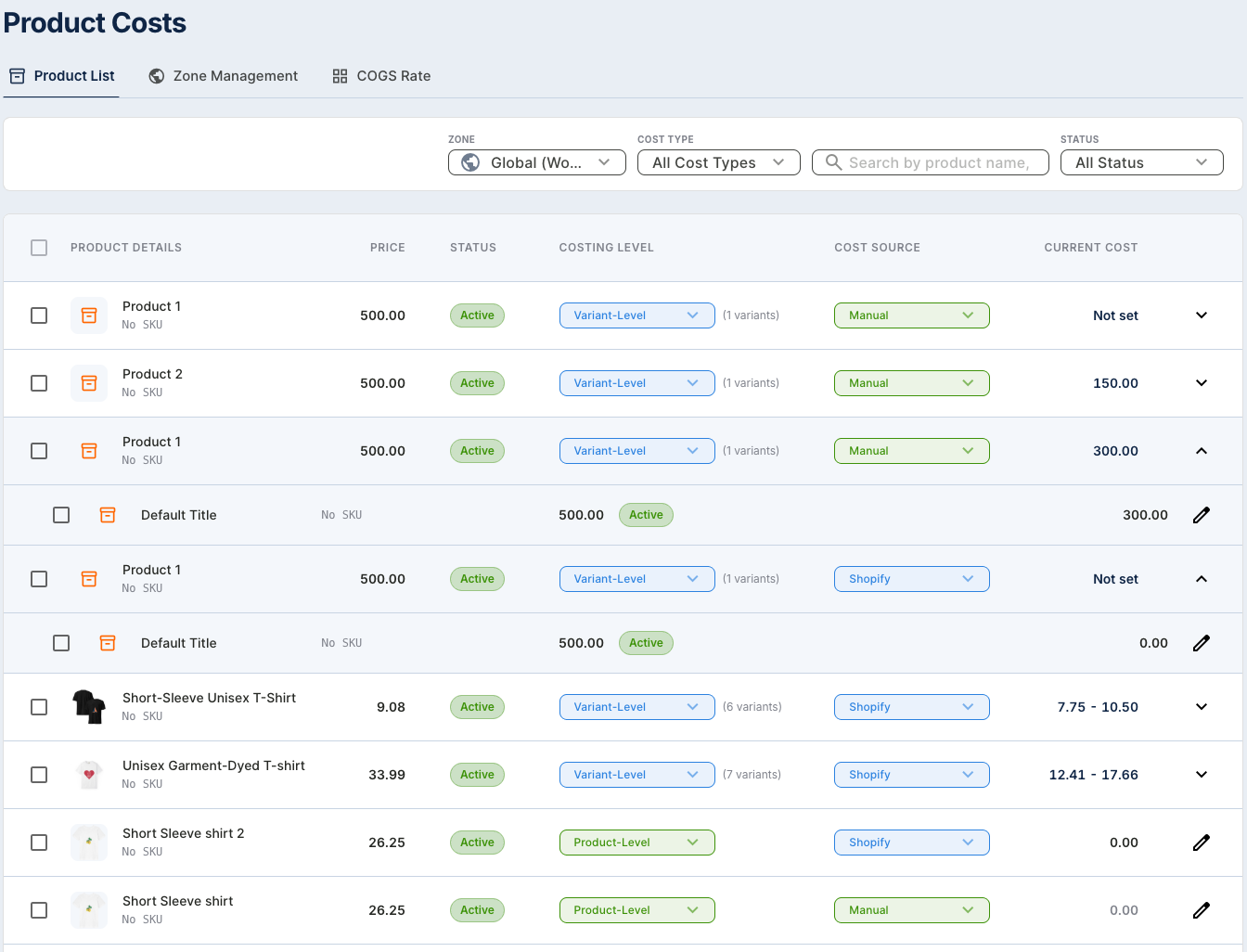
Managing product costs just became more flexible.
We’ve released a new COGS Source setting that lets merchants choose how product costs are managed inside the app.
Instead of relying on a single cost source, you can now decide whether your Cost of Goods Sold (COGS) should be synced directly from Shopify or managed manually.
What’s New?
Inside Product Cost Settings, you can now select between two COGS sources:
Sync COGS from Shopify
If you already maintain product costs in Shopify, you can use Shopify as your COGS source.
This helps keep your product cost data aligned with the information you are already managing in your Shopify store and reduces the need to enter the same data again.
Manage COGS Manually
If your actual product costs are different from the costs stored in Shopify — or if you simply prefer to manage them separately — you can choose the manual option.
This gives you more control over the COGS used for your profit calculations.
Why We Added This
Every merchant manages costs differently.
Some stores already maintain accurate product costs in Shopify, while others calculate COGS using supplier invoices, manufacturing costs, landed costs, or their own internal pricing.
With the new COGS Source setting, you can choose the workflow that best matches your business instead of adjusting your process around the app.
How to Change Your COGS Source
To update your setting:
- Go to Product Cost Settings.
- Find COGS Source.
- Select either Shopify Sync or Manual.
- Save your preference.
Your selected COGS source will then be used when calculating product costs and profit.
More Control Over Your Profit Data
Accurate COGS is one of the most important parts of calculating true profit.
By giving you control over where your product cost data comes from, this update makes it easier to keep your profit reports aligned with the way your business actually tracks costs.
You can update your COGS source anytime from Product Cost Settings.
Try the new setting today and choose the cost management method that works best for your store.