
This option is best for Shopify merchants and is the fastest way to log in.
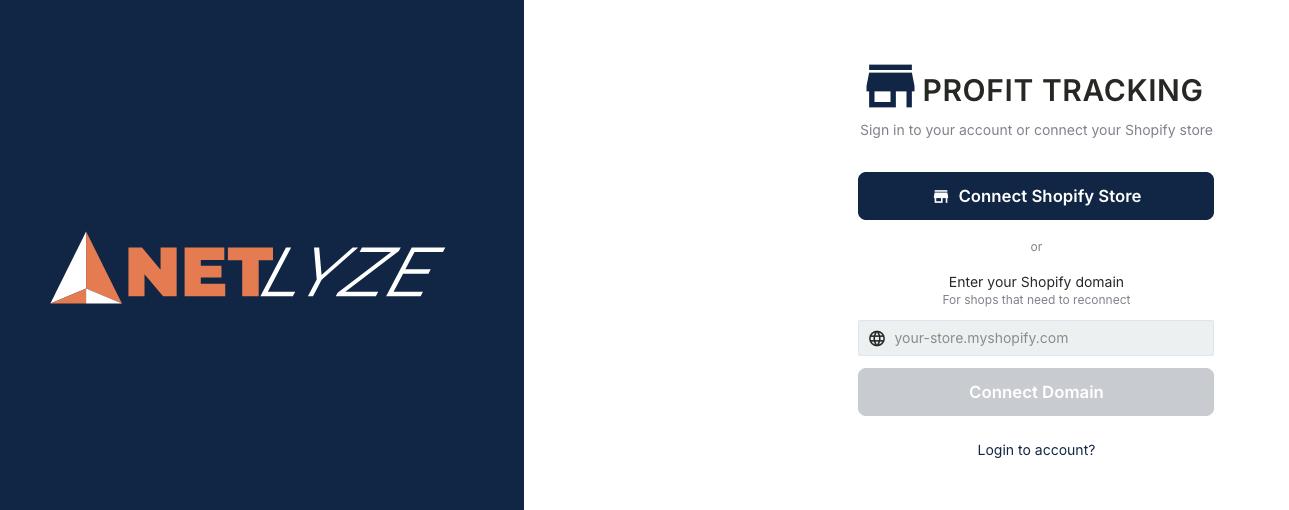
Method A: Connect Automatically
-
On the login screen, click Connect Shopify Store.
-
You will be redirected to Shopify Apps Listing
-
Approve the connection to continue.
-
Once connected, you will be logged in automatically.
Method B: Reconnect Using Shopify Domain
(For stores that need to reconnect)
-
Enter your Shopify domain
Example:your-store.myshopify.com -
Click Connect Domain.
-
Complete the authorization on Shopify.
Use this method if:
-
Your store was previously connected
-
Your Shopify session expired
-
You need to reconnect an existing store