
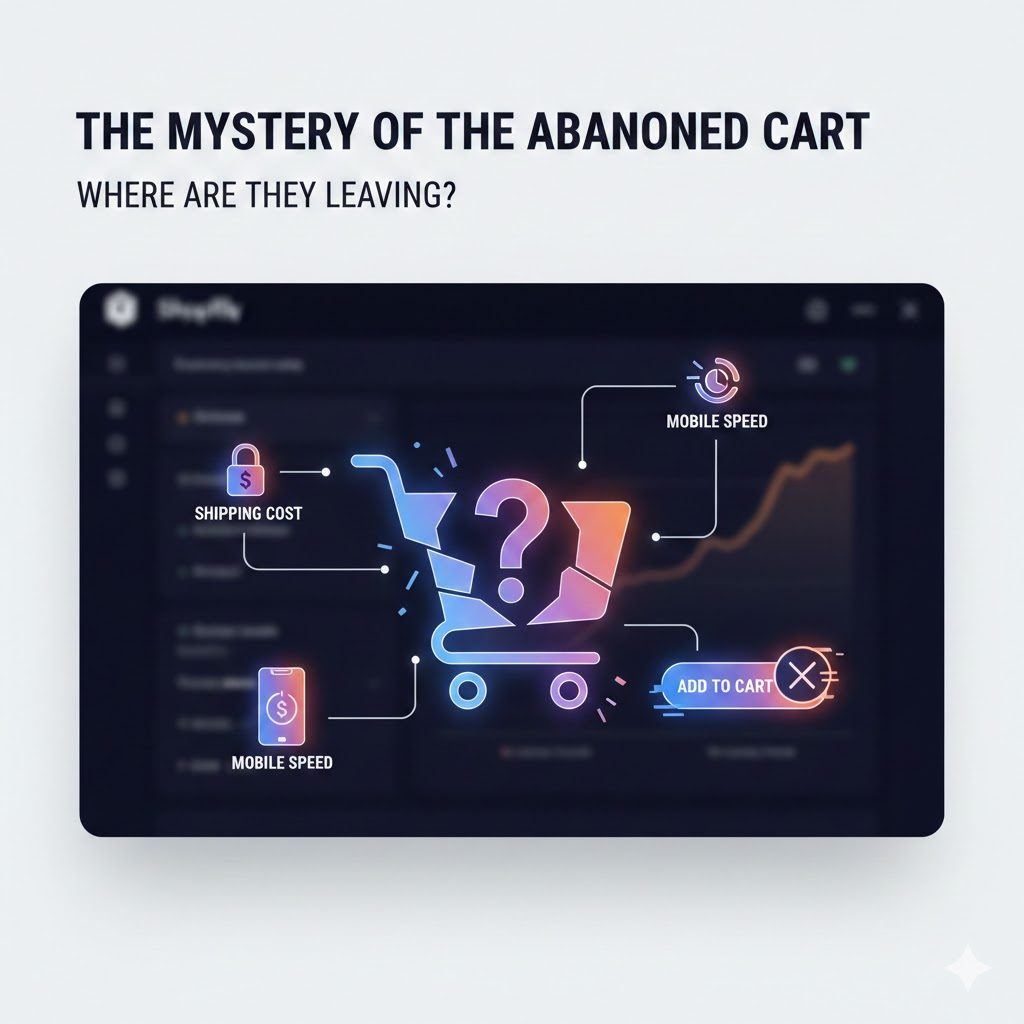
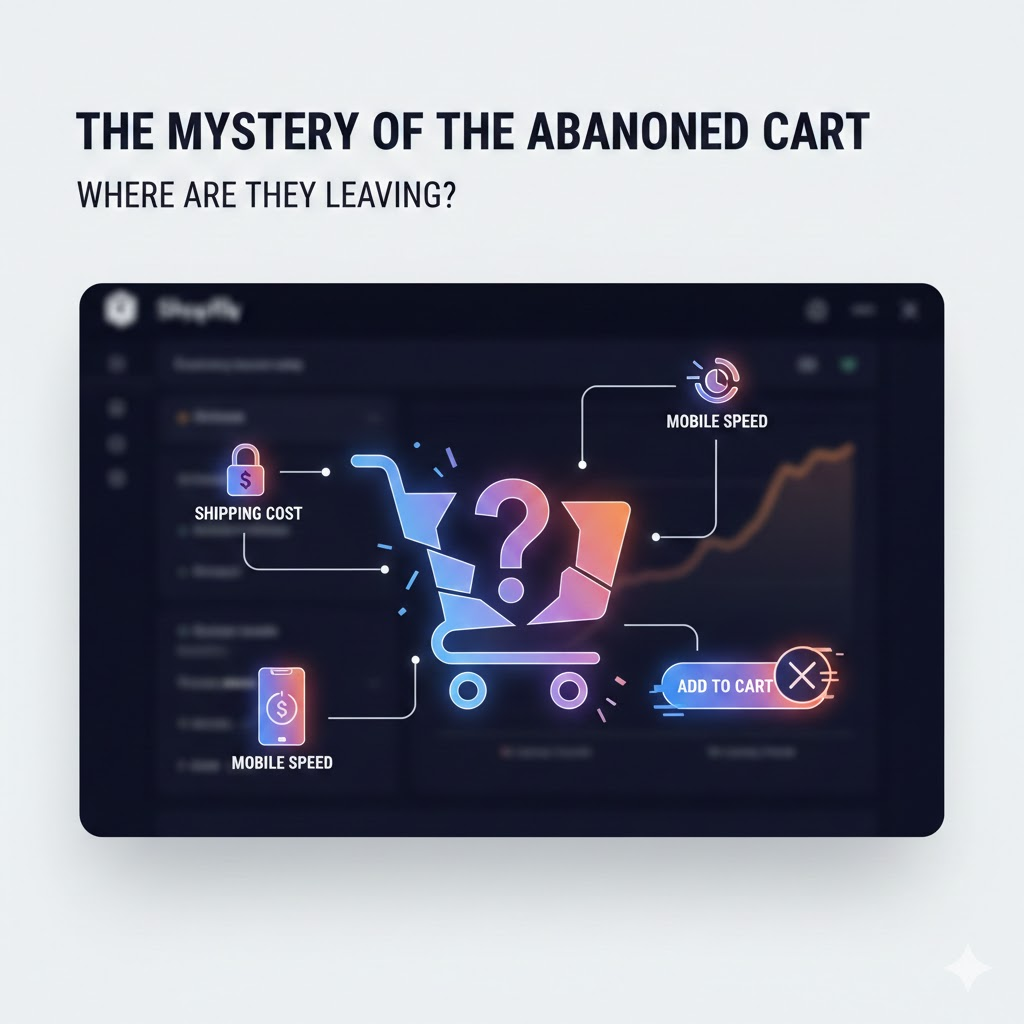
Every Shopify merchant knows this feeling.
Traffic looks healthy.
Products get views.
Items get added to cart.
And then… nothing.
The checkout is started, but the order never completes.
Most merchants respond with guesses:
“People are just browsing.”
“They’ll come back later.”
“It’s just normal abandonment.”
That’s how profit leaks quietly compound.
Abandoned carts aren’t random. They’re signals. And Shopify already gives you the data to decode them.
Stop Guessing. Start Reading Behavior.
If you want to understand why customers leave, you must stop looking only at Sales Reports and start using Behavior Reports.
Specifically:
-
Online Store Sessions
-
Product Views vs Add to Cart
-
Add to Cart vs Reached Checkout
-
Reached Checkout vs Completed Purchase
Each drop-off point tells a different story.
The Three Most Common Exit Points (And What They Mean)
1. High Add-to-Cart, Low Checkout → Price or Trust Issues
If customers add products but don’t proceed to checkout, the problem is rarely the product itself.
Common causes:
-
Unexpected shipping costs revealed too late
-
Taxes added at checkout
-
No clear returns or delivery policy
-
Lack of trust badges or payment options
This is not a “conversion problem.”
It’s a pricing transparency problem.
Fix: Surface shipping costs earlier. Be explicit. Reduce surprises.
2. Checkout Started, No Purchase → Friction
This is where profit silently dies.
Typical friction points:
-
Too many checkout steps
-
Forced account creation
-
Limited payment methods
-
Slow page load during checkout
On mobile, this problem multiplies.
A checkout that takes 2 seconds longer can materially impact conversion rate.
Fix: Simplify checkout. Enable guest checkout. Optimize for mobile first.
3. Mobile Traffic High, Conversion Low → Performance Debt
If mobile sessions dominate but desktop converts better, your site may work on mobile — but not well enough.
Watch for:
-
Heavy images
-
Slow product pages
-
Unresponsive “Add to Cart” buttons
-
Sticky popups blocking CTAs
Your ads might be doing their job. Your site isn’t finishing it.
Fix: Measure page speed. Reduce friction before spending more on ads.
Why This Matters More Than “More Traffic”
Most merchants respond to abandonment by increasing ad spend.
That’s backwards.
If 60–70% of users drop before purchase, scaling traffic just scales waste.
Behavior analysis tells you where to fix the leak before you pour more water into the bucket.
Data-Driven Merchants Don’t Guess
They ask:
-
Where exactly do users exit?
-
What changes at that step?
-
What does the data repeat across days and weeks?
Abandoned carts aren’t failures.
They’re diagnostics.
And if you’re not reading them, you’re not optimizing — you’re hoping.